![enginehire logo thin dark 1.0.png]](https://learn.enginehire.io/hs-fs/hubfs/enginehire%20logo%20thin%20dark%201.0.png?height=40&name=enginehire%20logo%20thin%20dark%201.0.png)
Let’s get started 🚀
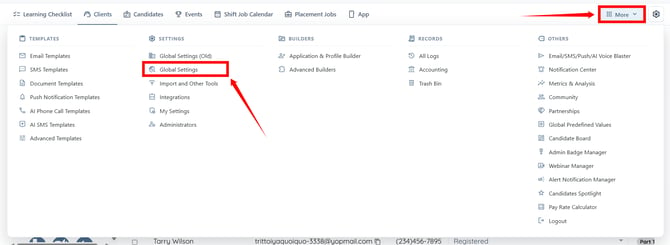
Step 1: Log in to your agent dashboard and go to More > Global Settings as shown in the screenshot below.
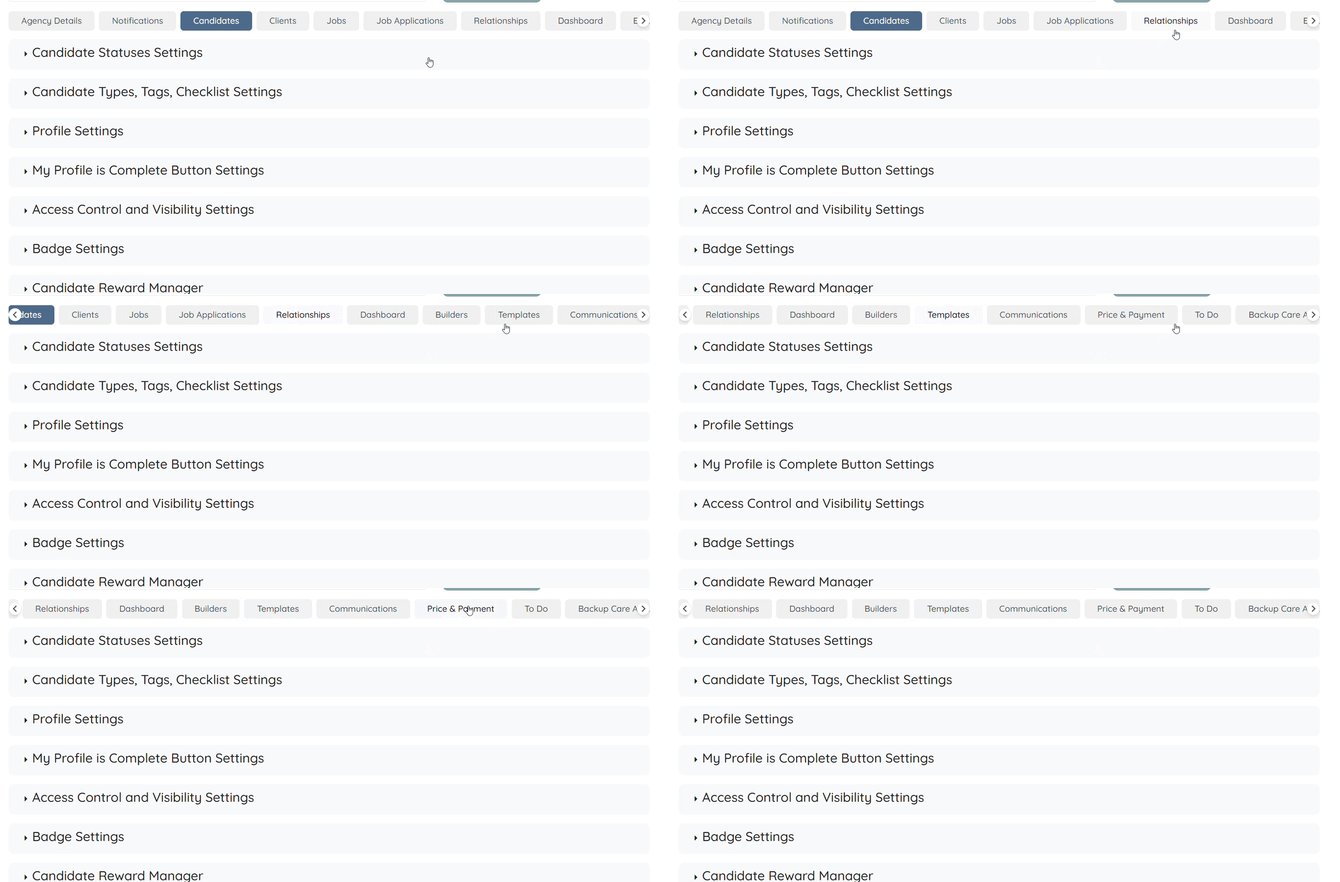
Step 2: Scroll the tabs to the left and click the Price & Payment tab.
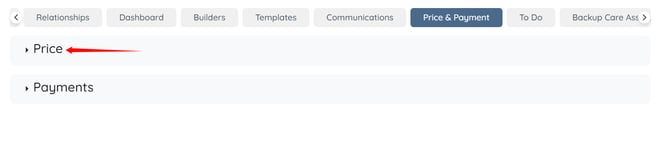
Step 3: Click Price to expand and view its details. Here is where you can define different prices, rates, and fees for different services.
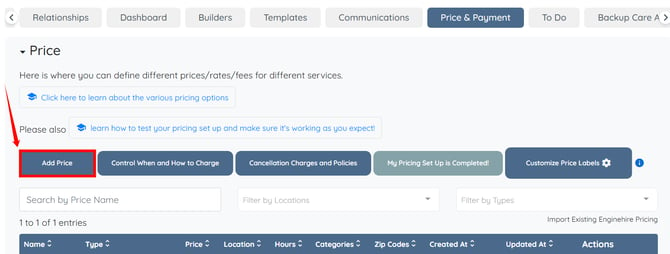
Step 4: Click the Add Price button.
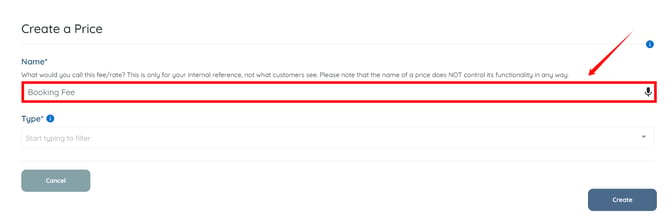
Step 5: Enter a name for the price, such as Booking Fee.
Enter a name that is appropriate for your business. Names are only visible to you and help you easily manage your pricing options. Clients will not see this name.
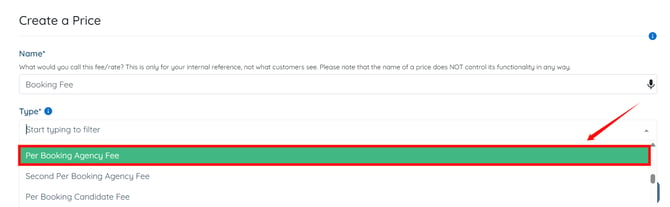
Step 6: Select Per Booking Agency Fee as the Price Type.
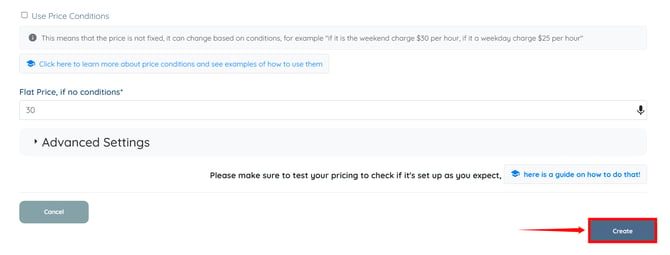
Step 7: Enter the booking fee amount you want to charge for each booking.
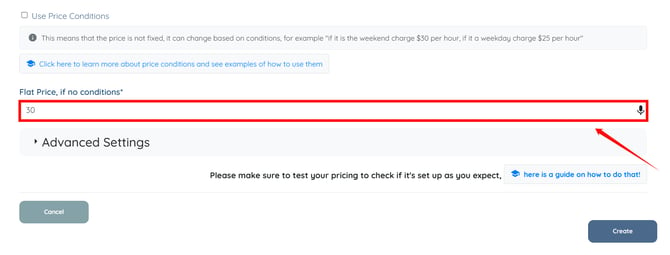
Step 8: Click Create.
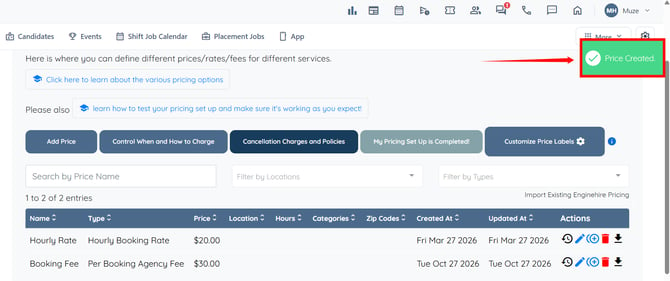
The price will be created and clients will be charged the specified amount each time they make a shift job booking.