![enginehire logo thin dark 1.0.png]](https://learn.enginehire.io/hs-fs/hubfs/enginehire%20logo%20thin%20dark%201.0.png?height=40&name=enginehire%20logo%20thin%20dark%201.0.png)
Let’s get started 🚀
How to Generate a Candidate PDF
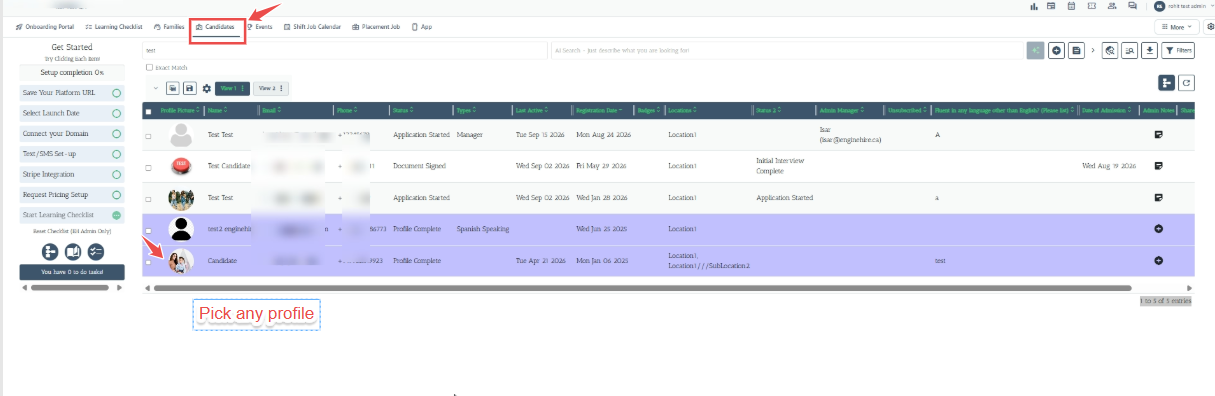
- Navigate to the Candidates section. Open the required Candidate Profile.
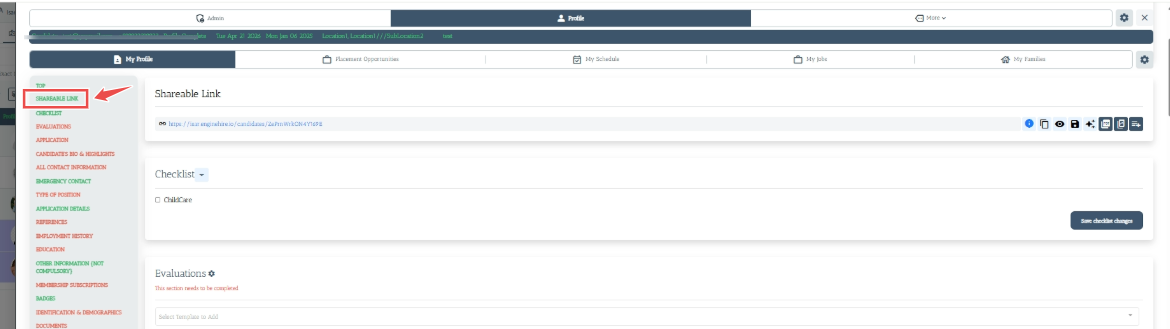
2. Locate the Shareable Link section.
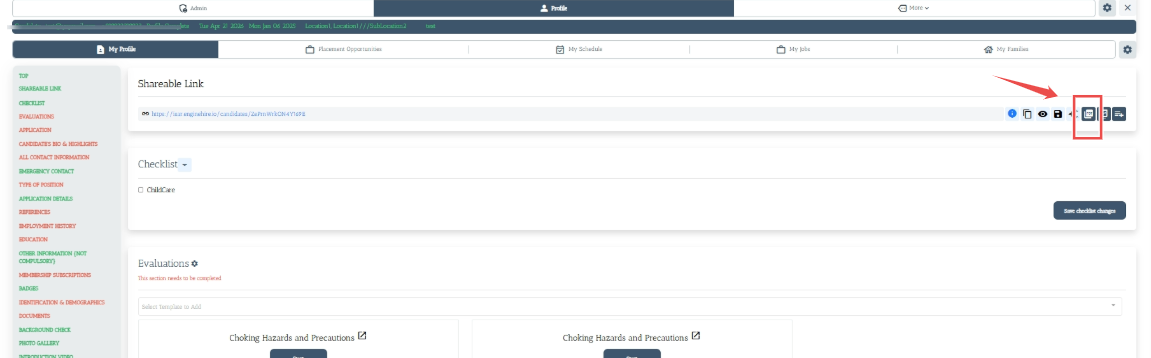
3. Click the PDF icon.
candidate profile to your device.
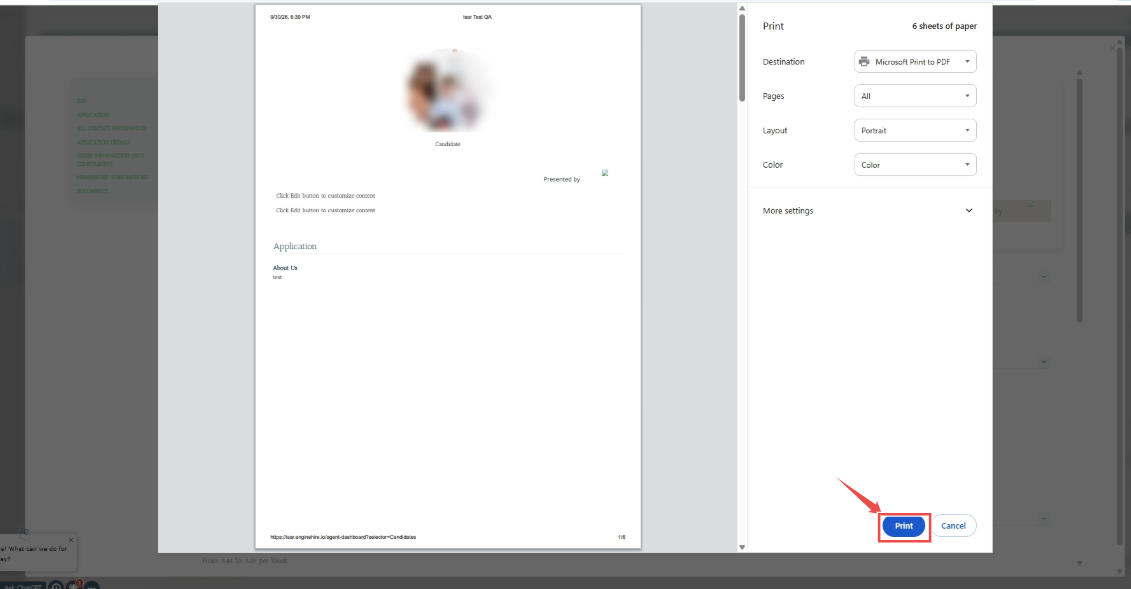
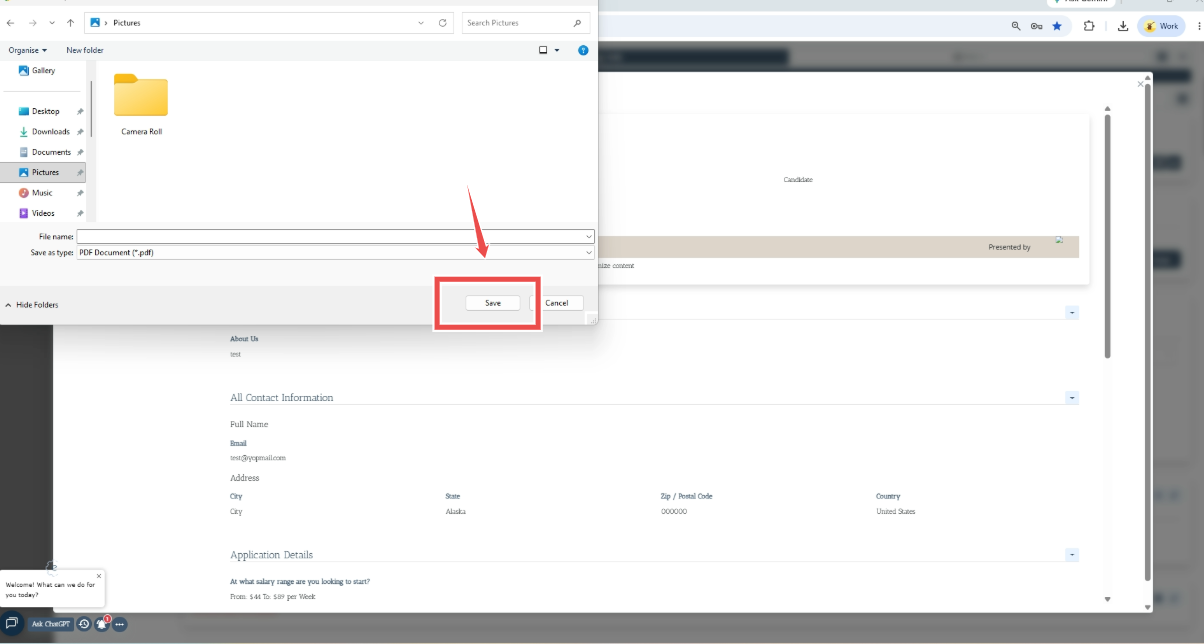
The generated PDF provides a consolidated view of the candidate's profile information. Depending on the information configured and completed for the candidate.
Note: The information displayed in the PDF depends on the information available and configured in the candidate's profile.