![enginehire logo thin dark 1.0.png]](https://learn.enginehire.io/hs-fs/hubfs/enginehire%20logo%20thin%20dark%201.0.png?height=40&name=enginehire%20logo%20thin%20dark%201.0.png)
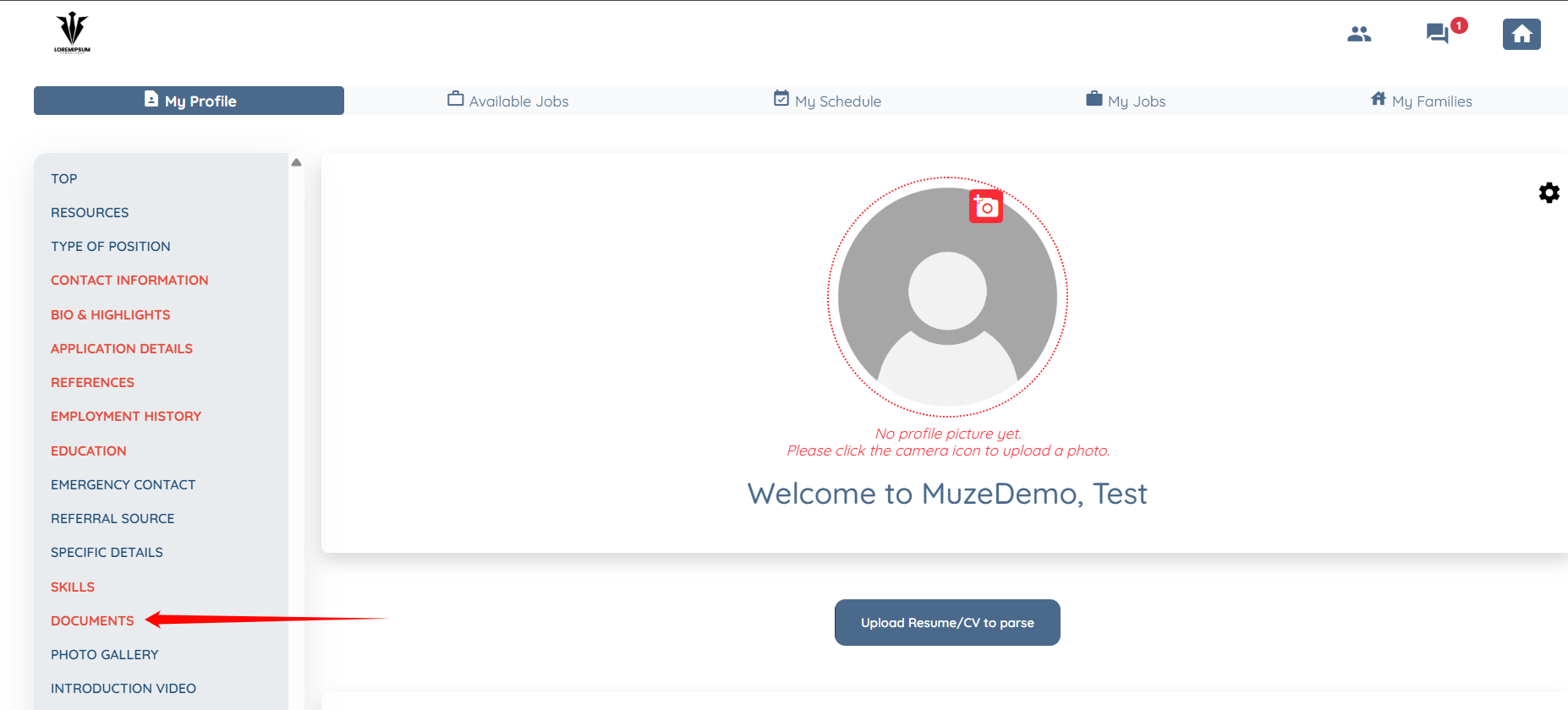
Step 1: On your profile, click the DOCUMENTS option located in the left-hand navigation bar.
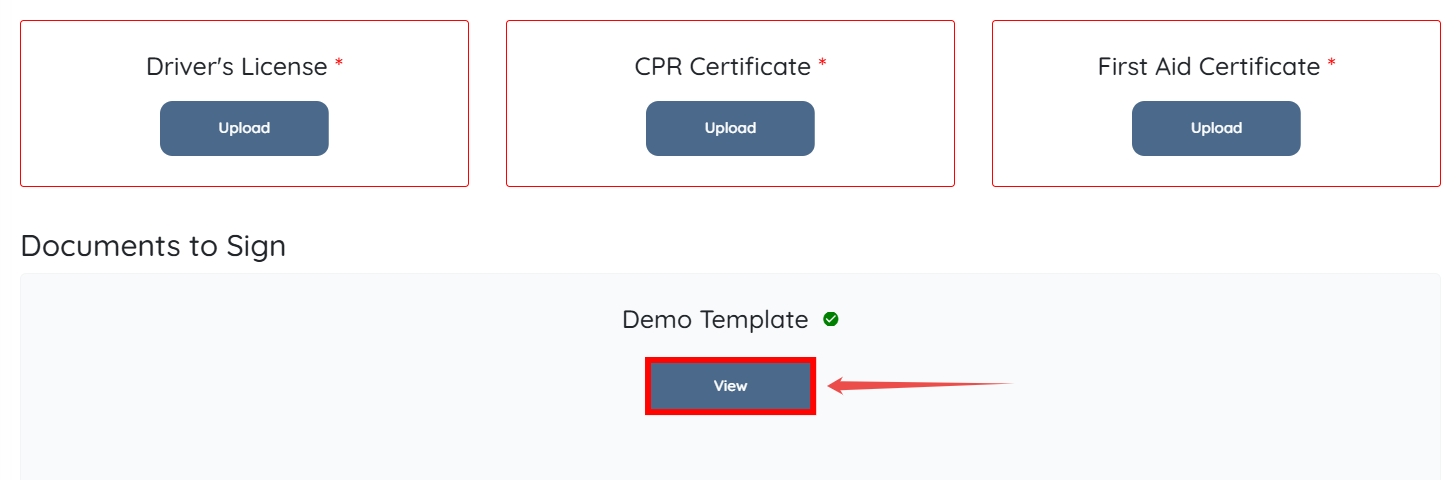
Step 2: Click the View button to open the signed document.
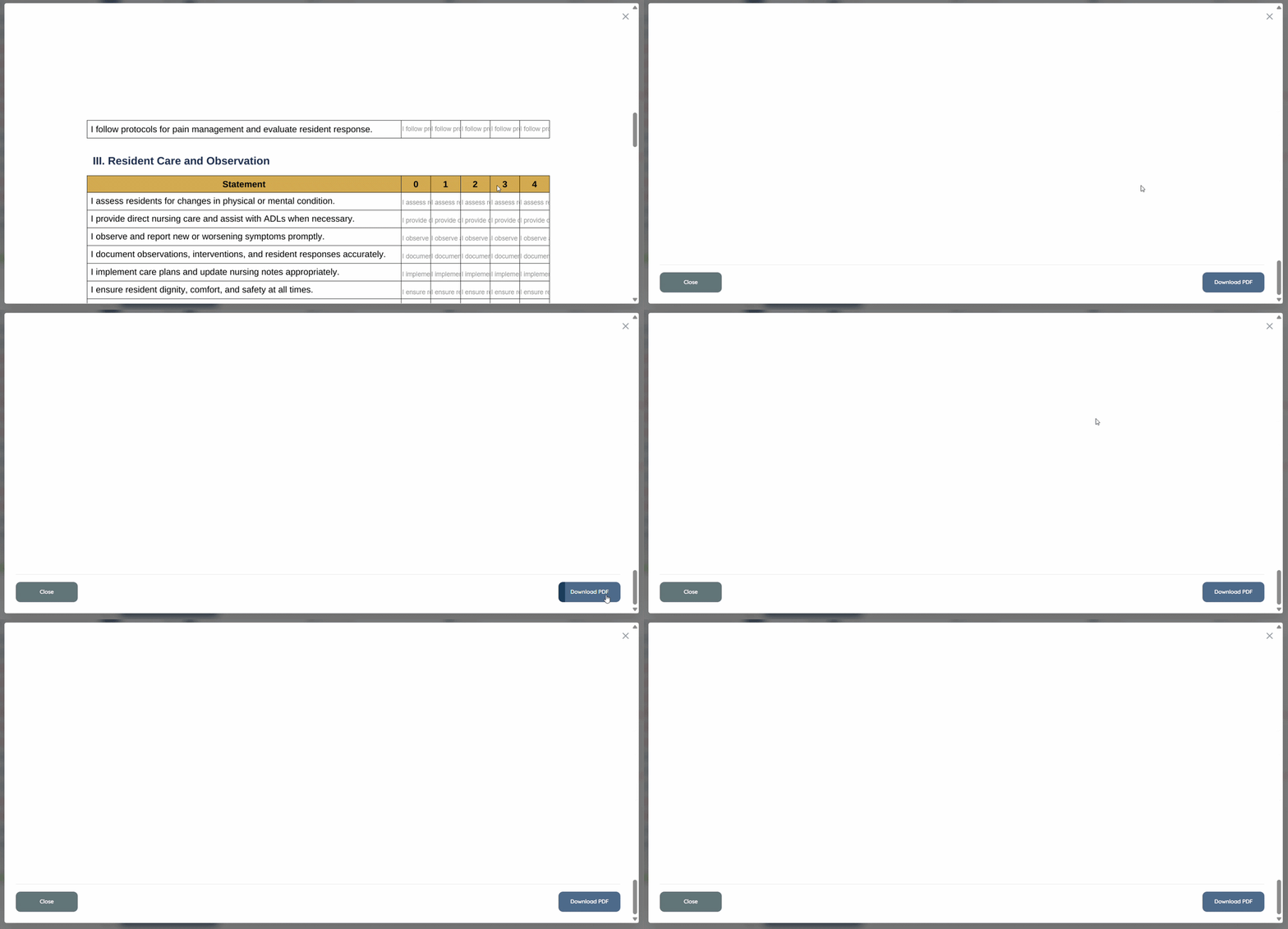
Step 3: Scroll down to locate the Download PDF button in the bottom corner. Click it to download your signed PDF successfully.