![enginehire logo thin dark 1.0.png]](https://learn.enginehire.io/hs-fs/hubfs/enginehire%20logo%20thin%20dark%201.0.png?height=40&name=enginehire%20logo%20thin%20dark%201.0.png)
Let’s get started 🚀
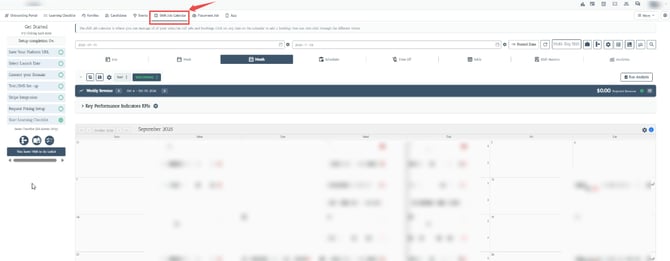
Step 1: Navigate to the Shift Job Calendar page.
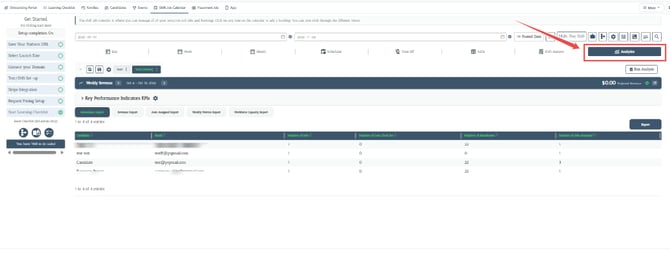
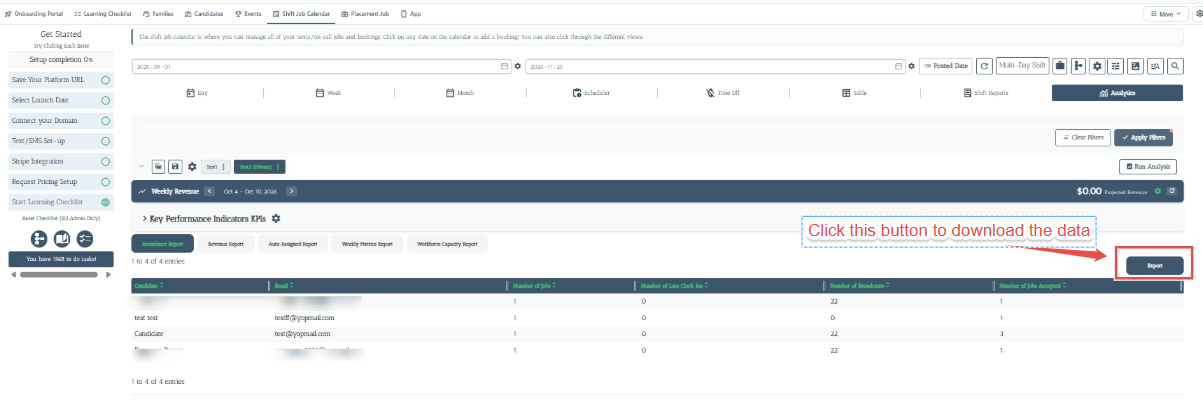
Step 2: Locate the Analytics tab and open it.
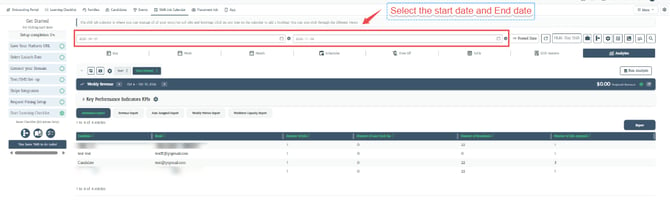
Step 3: Select the Date Range.
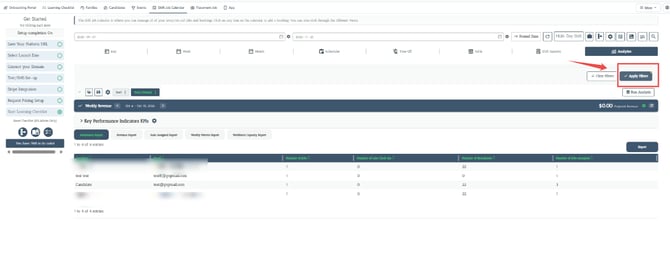
Step 4: Click Apply Filters.
Step 5: Click Export button to export the data.
Step 1: Navigate to the Shift Job Calendar page.
Step 2: Locate the Analytics tab and open it.
Step 3: Select the Date Range.
Step 4: Click Apply Filters.
Step 5: Click Export button to export the data.