![enginehire logo thin dark 1.0.png]](https://learn.enginehire.io/hs-fs/hubfs/enginehire%20logo%20thin%20dark%201.0.png?height=40&name=enginehire%20logo%20thin%20dark%201.0.png)
Let's get started 🚀
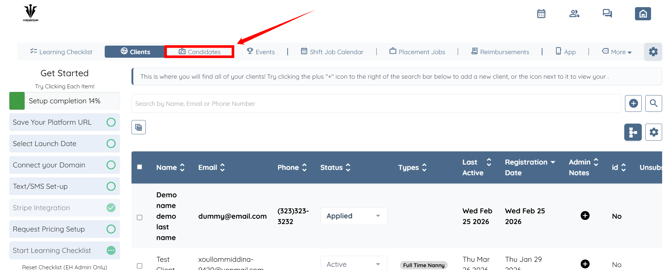
Step 1: Log in to your agent dashboard, then click Candidates in the navigation bar.
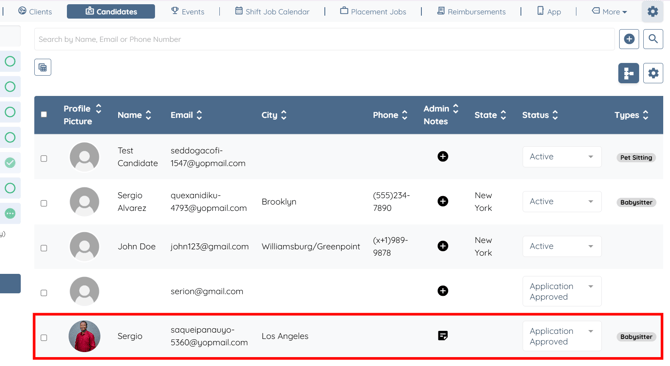
Step 2: Click on any candidate from the list for whom you want to analyze the matching placement jobs.
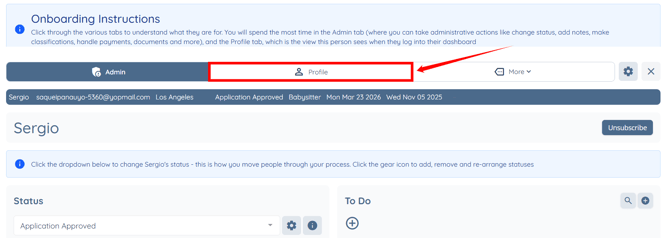
Step 3: Click the Profile tab to navigate to the candidate profile.
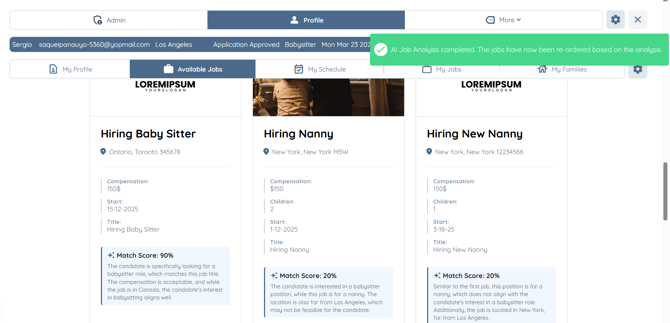
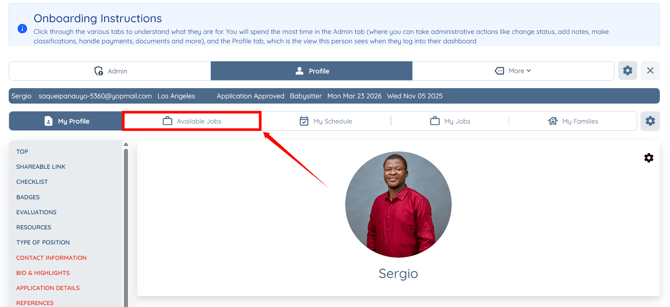
Step 4: Click the Available Jobs tab.
Step 5: Scroll down slightly and click the star-shaped icon next to the Placement (Part Time and Full Time) Opportunities heading.
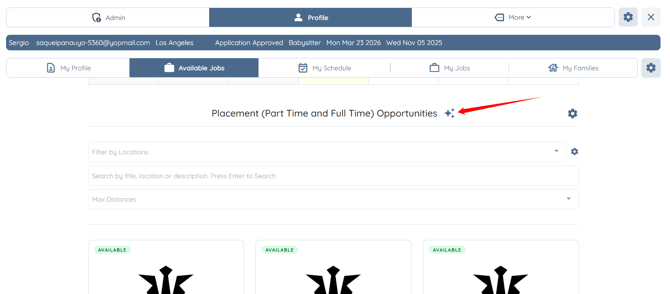
The AI Job Analysis will complete successfully, and the system will reorder the available jobs according to the candidate profile, displaying the best match at the top along with the match score.