![enginehire logo thin dark 1.0.png]](https://learn.enginehire.io/hs-fs/hubfs/enginehire%20logo%20thin%20dark%201.0.png?height=40&name=enginehire%20logo%20thin%20dark%201.0.png)
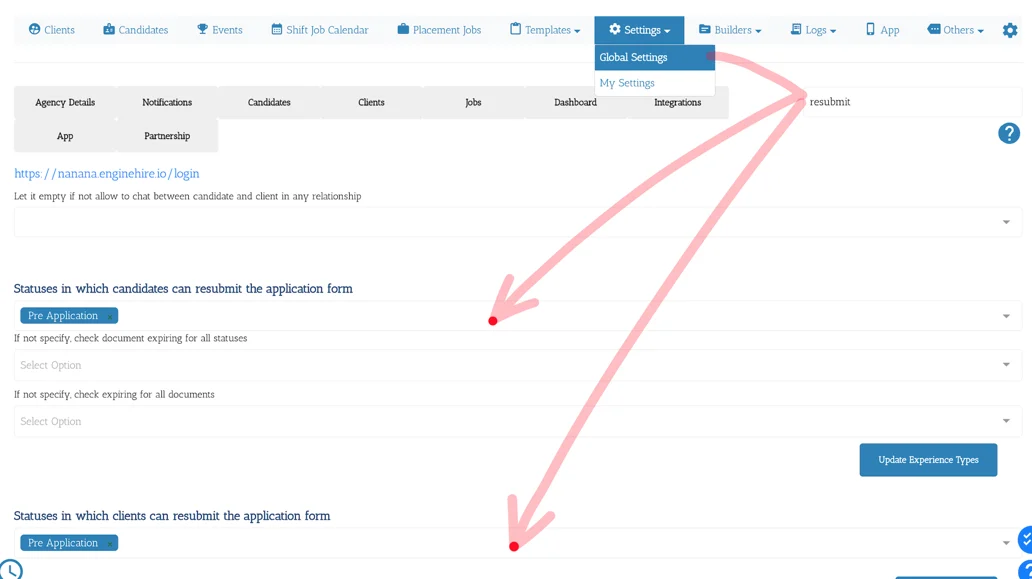
1. From Mission Control select Settings.
2. Select Global Settings.
3. Type "Resubmit" in the search box.
4. Select all the Statuses at which candidates and clients are allowed to finish and submit their application.
5. Select Update Settings.
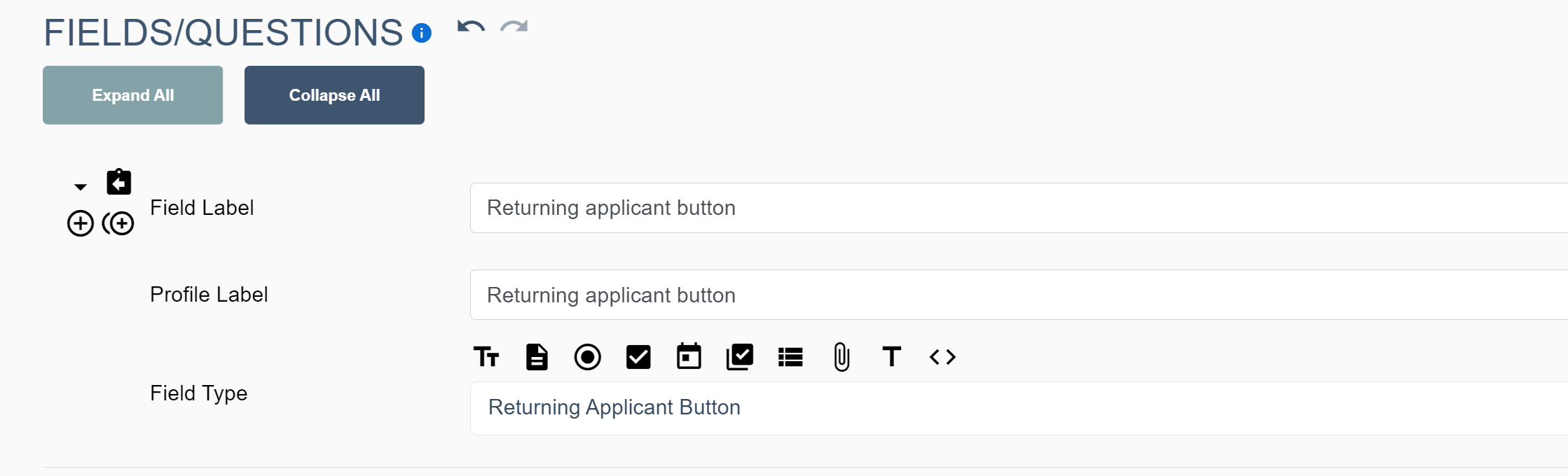
6. Add the returning applicant button in the application form, adjusting the field label while change the text of the button