![enginehire logo thin dark 1.0.png]](https://learn.enginehire.io/hs-fs/hubfs/enginehire%20logo%20thin%20dark%201.0.png?height=40&name=enginehire%20logo%20thin%20dark%201.0.png)
Let’s get started 🚀
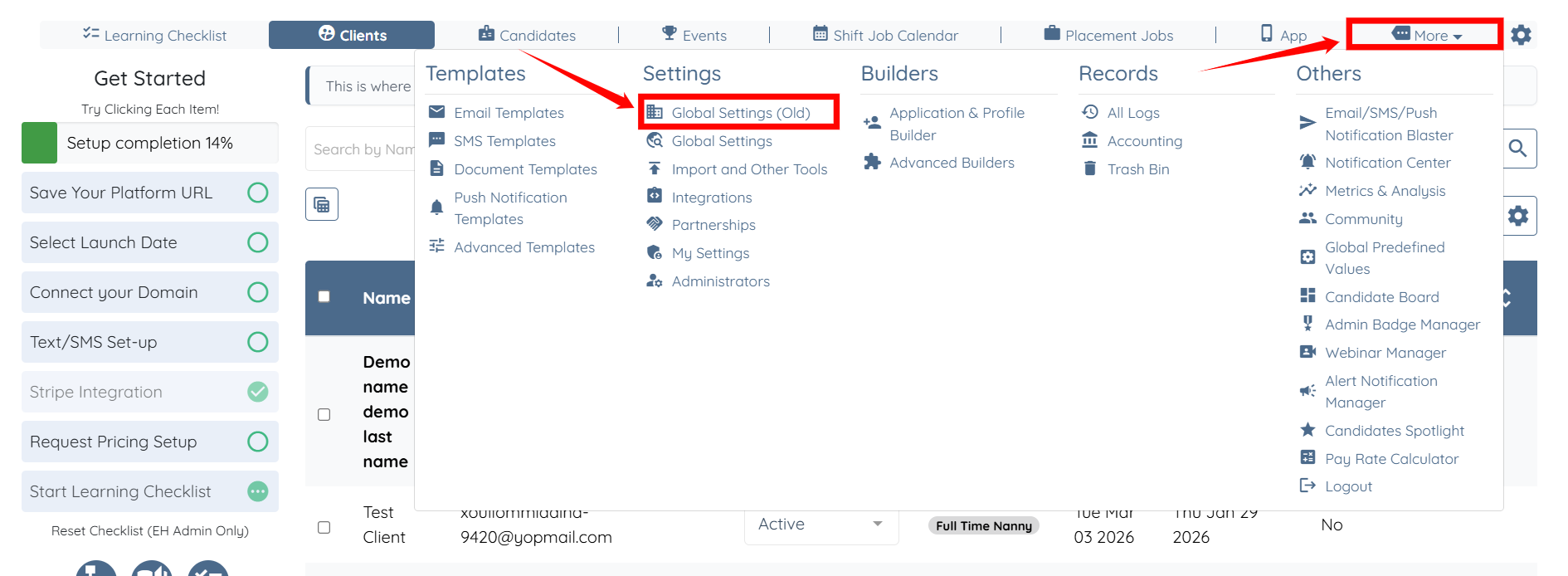
Step 1: Log in to your agent dashboard and click More > Global Settings (Old), as shown in the screenshot below.
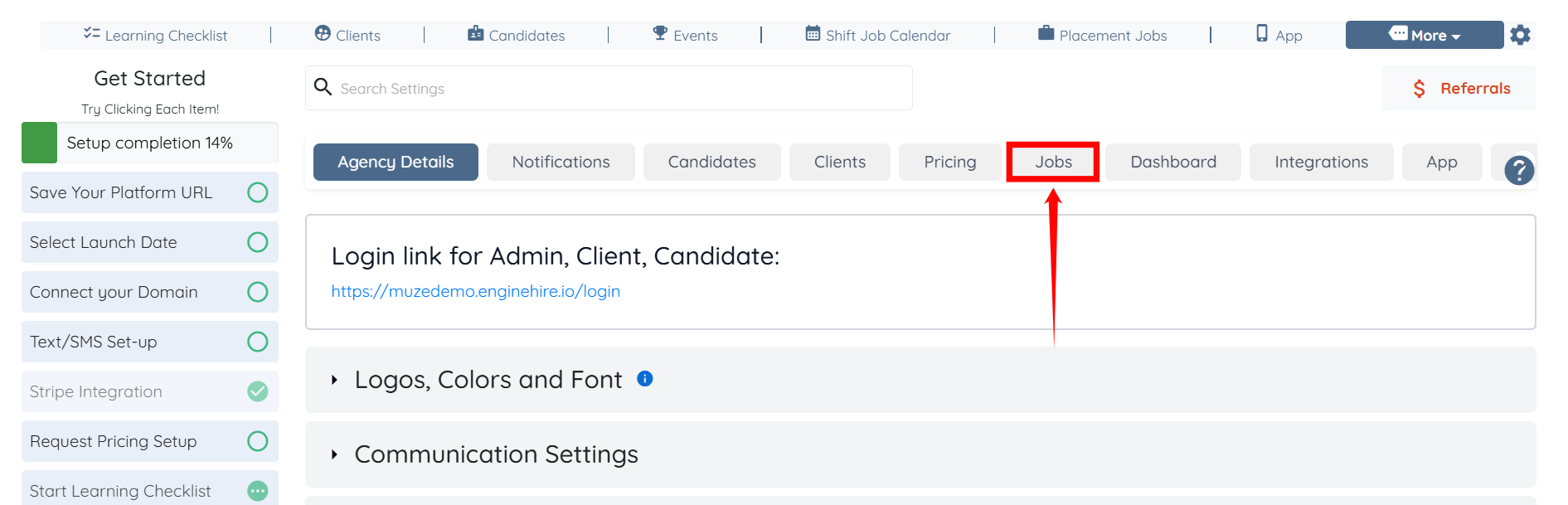
Step 2: Click the Jobs tab from the list of available tabs.
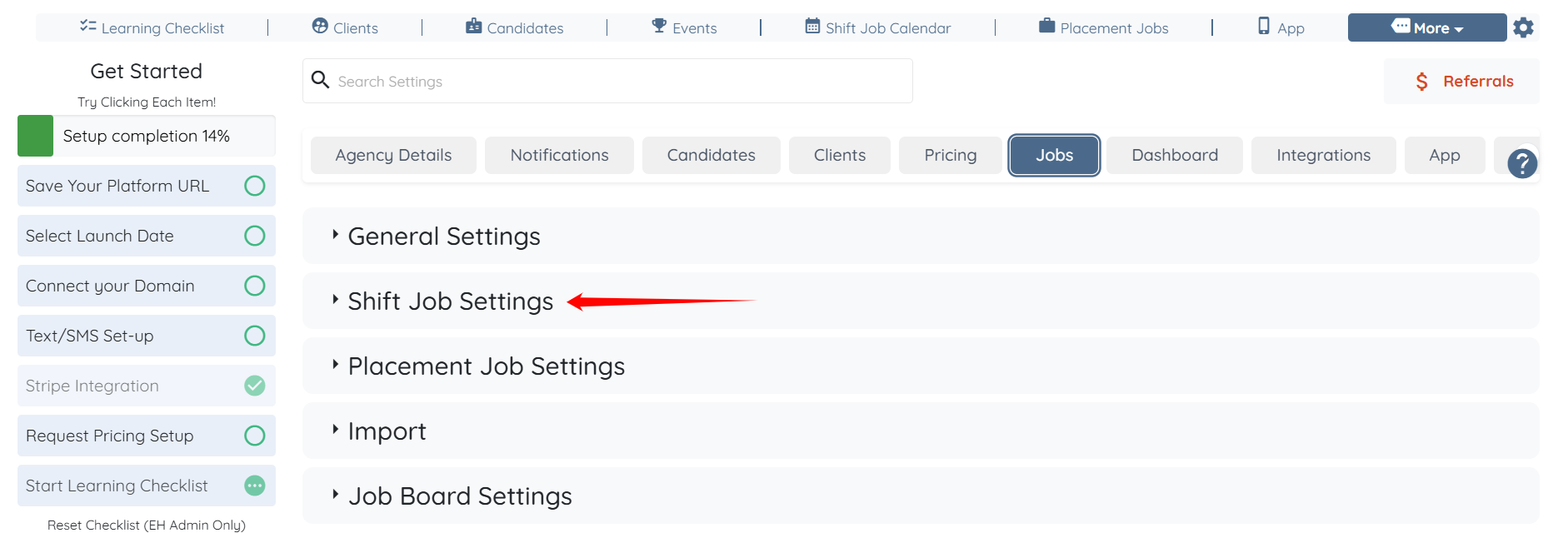
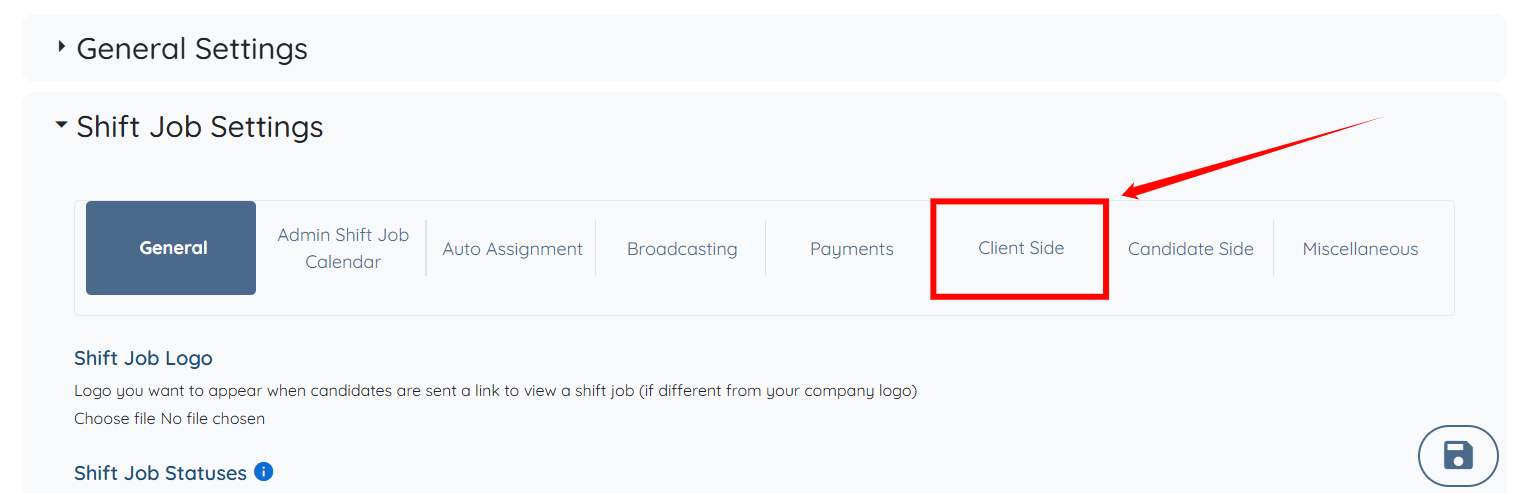
Step 3: Click the Shift Job Settings option to expand its details.
Step 4: Click the Client Side option from the list of available options.
Step 5: Check the Client can select a candidate for their shift job themselves checkbox, and then check the Client can view all candidates when filling out booking form (including unavailable) checkbox.
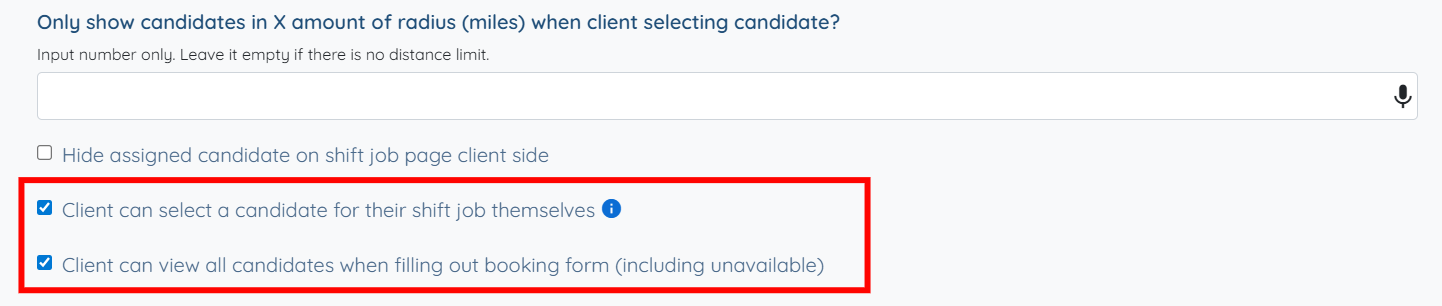
This setting will only work if your candidate add their recurring availability in their profiles, under the tab "My Schedule."
Step 6: Click the Save icon to confirm the changes.
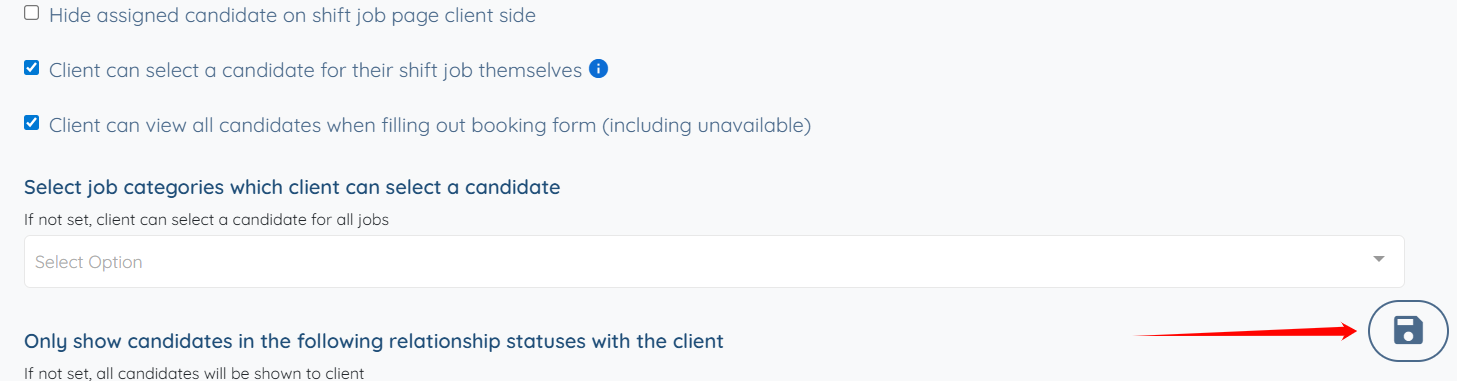
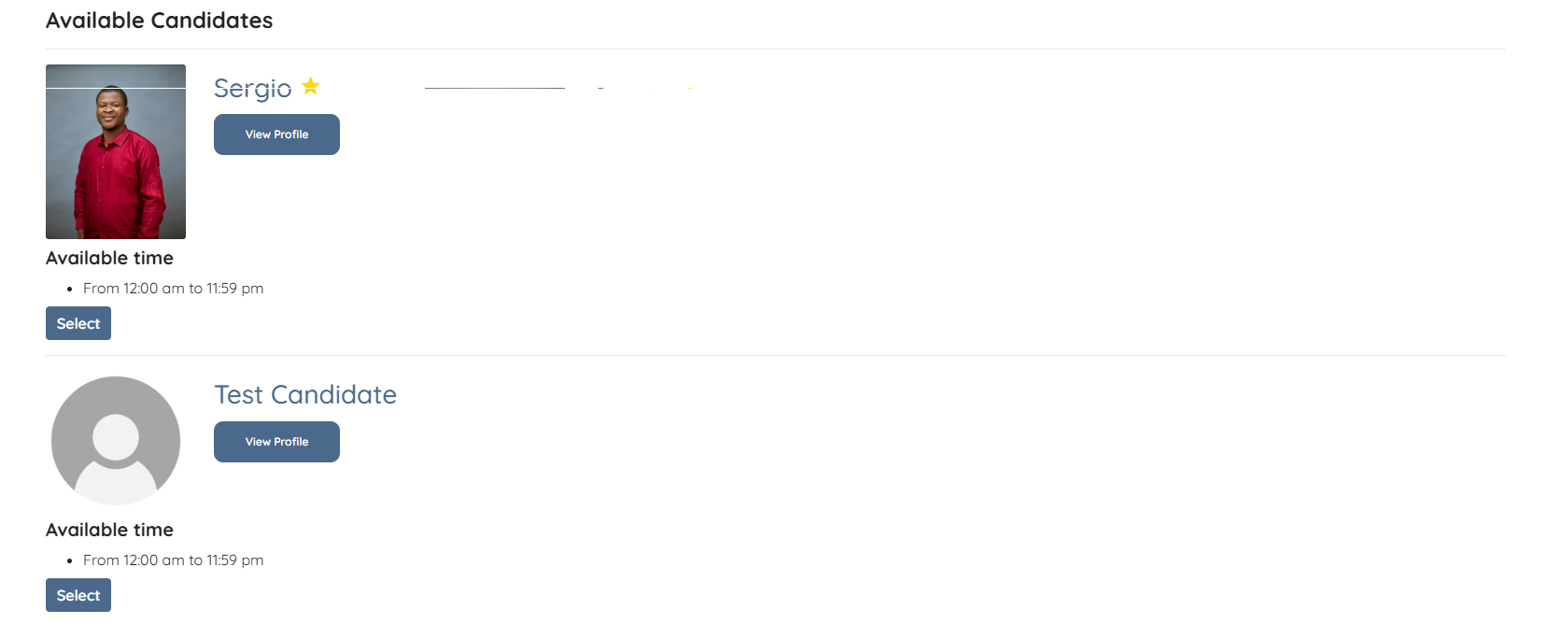
Now the clients will be able to view all the candidates in the booking form, including candidates who are currently unavailable (if any).