![enginehire logo thin dark 1.0.png]](https://learn.enginehire.io/hs-fs/hubfs/enginehire%20logo%20thin%20dark%201.0.png?height=40&name=enginehire%20logo%20thin%20dark%201.0.png)
This enhancement allows clients using the mobile application to delete shifts with Requested and Broadcasted statuses directly from their mobile devices.
The functionality provides clients with greater flexibility and control over shift management, enabling them to remove shifts that are no longer required, were created accidentally, or need to be cancelled due to changes in staffing requirements.
Let’s get started 🚀
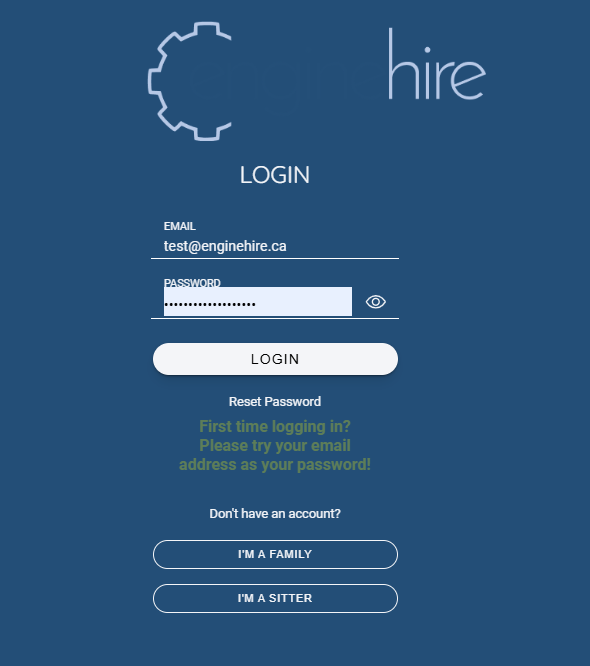
Step 1: Log in to the mobile application using valid client credentials.
Step 2: Navigate to the Bookings section.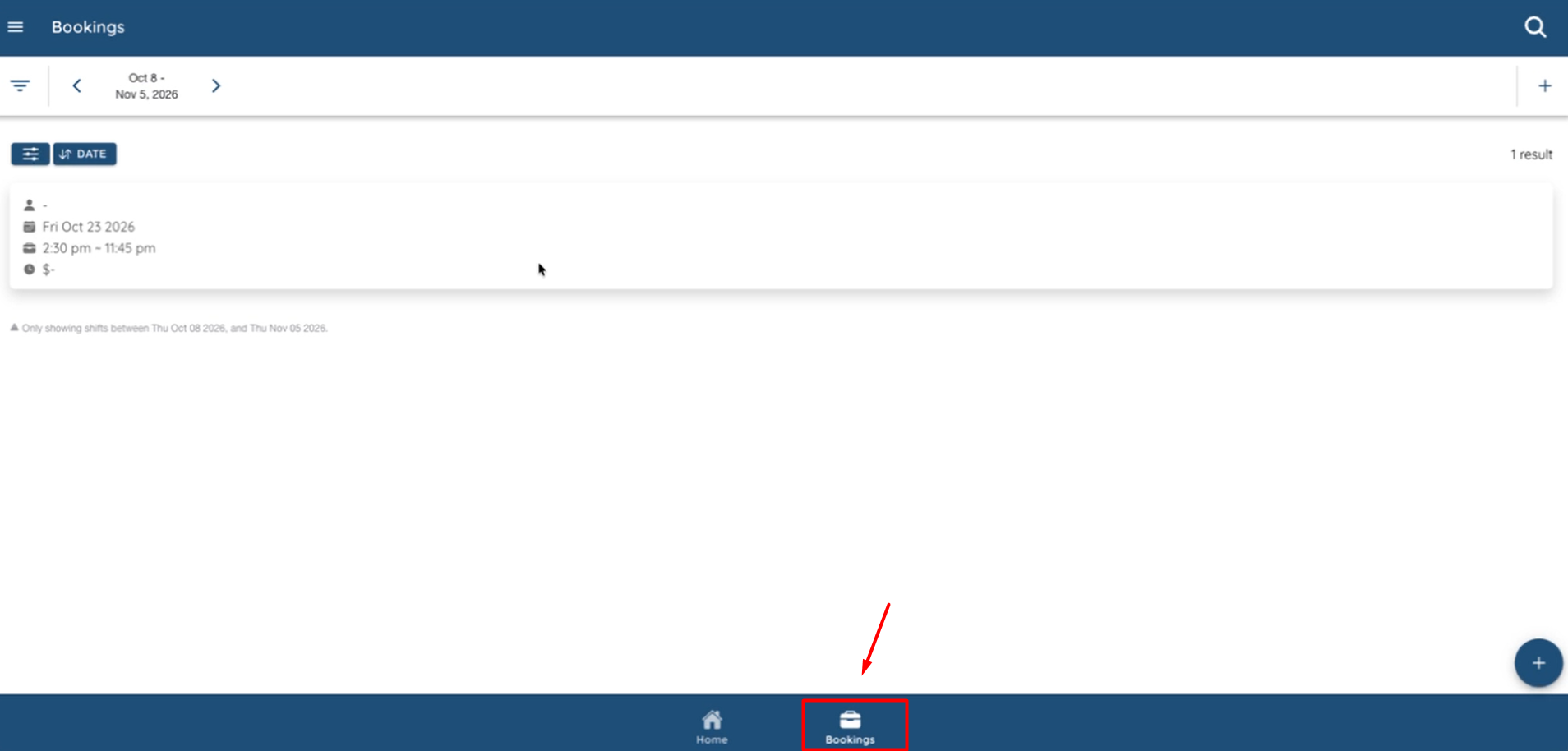
Step 3: Identify and select the job/shift you want to delete.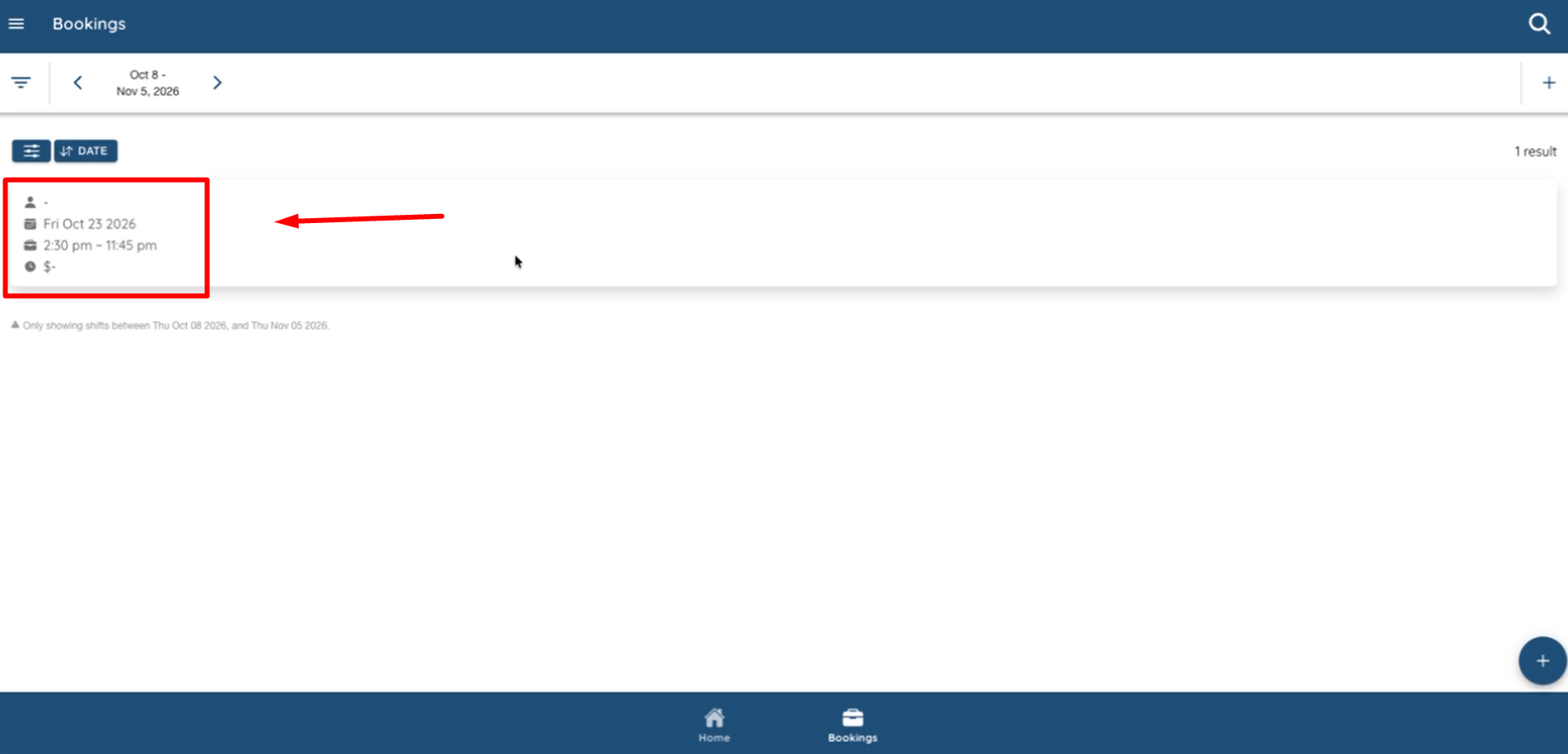
Tap on the selected job to open its details page.Scroll down to the bottom of the job
details page.
Step 4: Locate the Delete button. Tap on the Delete button.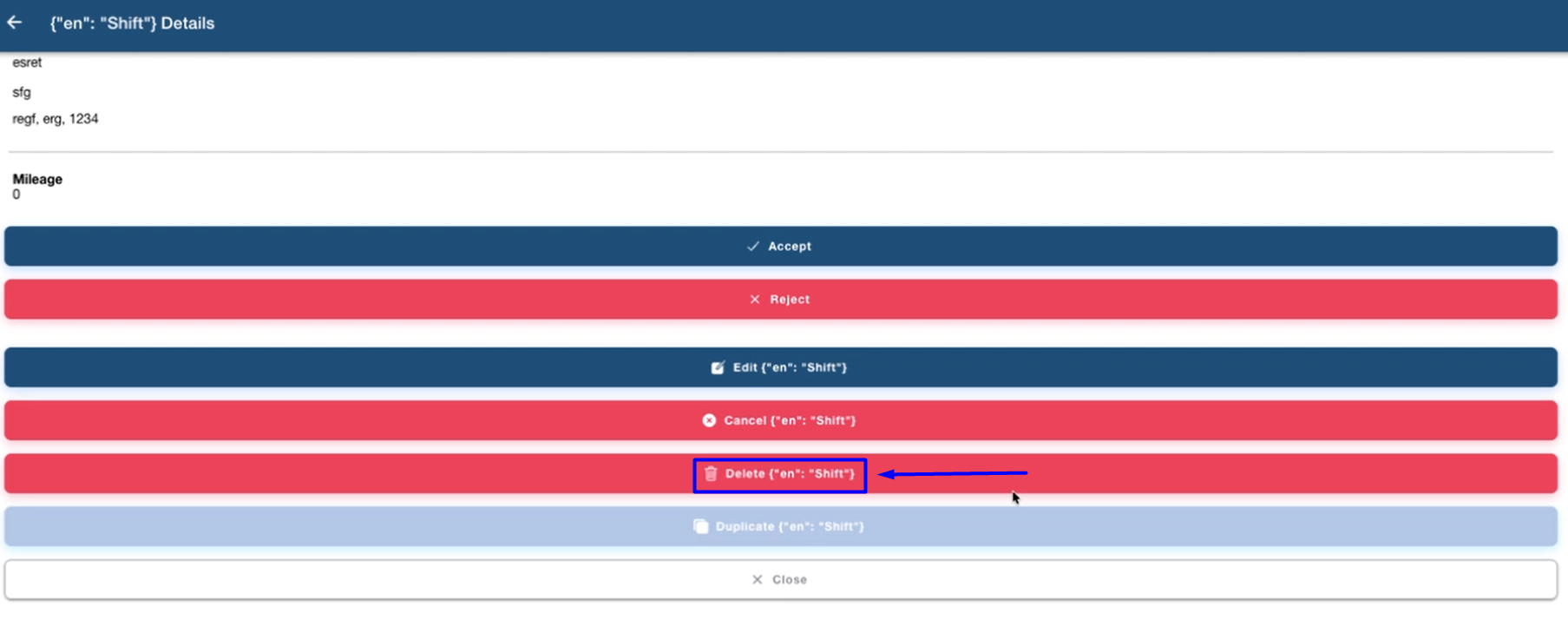
The selected job/shift should be successfully deleted from the mobile application.