![enginehire logo thin dark 1.0.png]](https://learn.enginehire.io/hs-fs/hubfs/enginehire%20logo%20thin%20dark%201.0.png?height=40&name=enginehire%20logo%20thin%20dark%201.0.png)
Let's get Started🚀
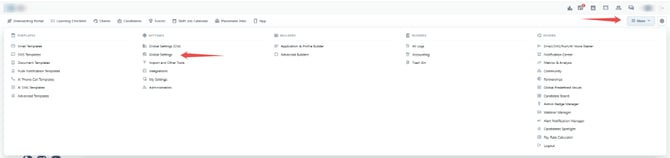
Step 1. Navigate to More drop-down and Select Global Settings.
Step 2. Select Jobs Tab.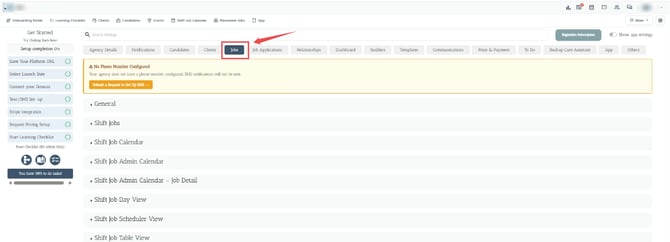
Step 3. Select Client Booking Section.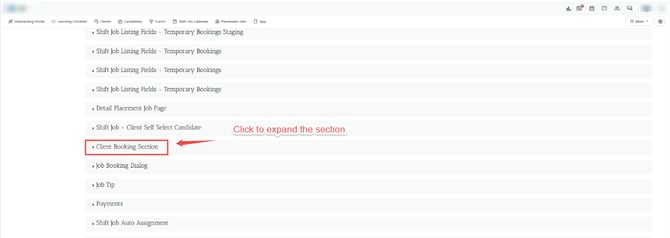
Step 4. Select the statuses from the drop-down of this setting i.e. Job statuses where admin can't edit shift bookings.
For ex: Charged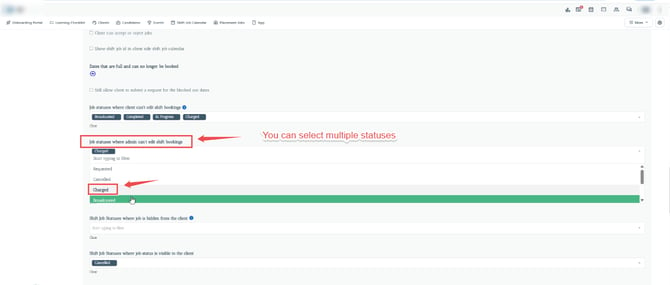 Now the admin can't edit the shift bookings having Charged status.